9 Best Alternatives to Kling in 2025: Which AI Video Tool Fits You?
If you're tired of wrestling with clunky video editing software — or want to try something different from Kling — there are now a host of smart, AI-powered video platforms worth exploring. Whether you’re making marketing clips, social-media shorts, tutorials or promotional videos — one of these 9 tools might just be a better match.
Here’s a breakdown of the top 9 alternatives (as of 2025) — and who each is best suited for.
1. Fliki — Text-to-Video with AI Voices (Best for Quick Social Media Clips)
Fliki stands out if you want to transform blog posts, scripts, or plain text into short videos — complete with AI-generated voices. It’s designed for speed and social media output, making it ideal for TikTok, YouTube Shorts, Instagram Reels.
Pros: Quick turnaround, many voice options, free trial.
Cons: Less control over visuals, limited editing depth.
Use Fliki if you prioritise speed and content volume over cinematic polish.
2. InVideo — Full-Featured Video Editor With AI Tools (Versatile All-Rounder)
InVideo is a heavyweight compared to the most basic tools — offering template-based editing, AI-powered text-to-video, and robust customization. Great for marketing videos, YouTube content, or business promos.
Pros: Flexible editing, template library, good for both short and long videos.
Cons: Slight learning curve, pricing higher for advanced features.
Best if you need both speed and creative control.
3. VEED — Simple Editor with AI Avatars & Subtitles (User-Friendly Option)
VEED offers a balanced solution for creators who want simplicity and speed without sacrificing functionality. It adds AI avatars, automatic subtitles and basic editing — great for vlog-style content, explainer videos, or social media promos.
Pros: Easy to learn, low entry cost, integrated AI tools.
Cons: Avatars may not be very realistic, free plan has limits.
Ideal for beginners or casual creators needing decent-looking videos fast.
4. Basedlabs — AI Video Generator for Creative & Abstract Visuals (For Experimental Creators)
Basedlabs offers a unique angle: rather than focusing on realistic video or standard editing, it emphasises creative, stylized visuals — ideal for artistic content, abstract promos or social-media-ready clips with flair.
Pros: Fast, affordable, creative style options, accessible for non-experts.
Cons: Less realistic output, limited advanced editing features, credit-based system can be confusing.
Great for artists, social media brands, or anyone wanting a different visual style.
5. Vizard — For Interactive, Immersive & Long-Form Video Workflows
Vizard is positioned toward more complex or interactive content — think training simulations, product demos, or immersive virtual experiences. It’s less about quick clips, more about utility and depth.
Use Vizard when you need interactivity, longer runtime, or a more polished, professional feel.
6. Runway / Pika / Luma (and Others) — Creative Suites & Specialized AI Generators
Several other tools were highlighted as compelling Kling alternatives — including Runway, Pika, Luma, Sora, Pixverse, Assistive, and Canva (with video features). These cover a range: from text-to-video, image-to-video, animation, stock-media editing, to simple promotional videos.
Each has its strengths: some give maximum creative control, others prioritize ease-of-use. If you aren’t satisfied with one solution, it’s worth testing a few.
How to Choose — Quick Decision Guide
| Your Need / Goal | Recommended Tools |
|---|---|
| Quick social-media clips | Fliki, VEED, Basedlabs |
| Marketing or promotional videos | InVideo, Runway, Luma |
| Artistic or stylized visuals | Basedlabs, Pika, Pixverse |
| Training / immersive content | Vizard, Runway |
| Flexibility & control | InVideo, comprehensive AI suites |
Pros & Cons of Moving Away from Kling — What Alternatives Solve (And What They Don’t)
Advantages vs Kling:
- Better specialization — some tools focus on voiceovers, others on stylized visuals, giving more creative flexibility.
- Often more beginner-friendly and affordable.
- Wider variety — from quick text-to-video clips to in-depth editing suites.
Trade-offs:
- Fragmentation: you might need to use 2–3 tools to match Kling’s all-in-one functionality.
- Learning curve: some advanced tools still require time to master.
- Inconsistent quality: stylized video may not suit every brand or use-case.
Final Thoughts — The Best Tool Depends on What You’re Making
There’s no one-size-fits-all AI video tool. The “best” Kling alternative depends on what you want to create. As AI video tools evolve rapidly in 2025, exploring 2–3 of the above is a smart move. If you need fast, simple videos — start with Fliki or VEED. If you want more creativity or control — try Basedlabs or InVideo.
The real benefit is this: you’re no longer locked to heavy editing software or expensive studios. With modern AI tools, you can produce impressive video content without being a professional editor — as long as you pick the right tool for your needs.
You May Also Like
Indian AI lab Sarvam’s new models are a major bet on the viability of open source AI

New Year's AI surprise: Fal releases its own faster, cheaper version of Flux 2 image generator
Bedtimefable.ai
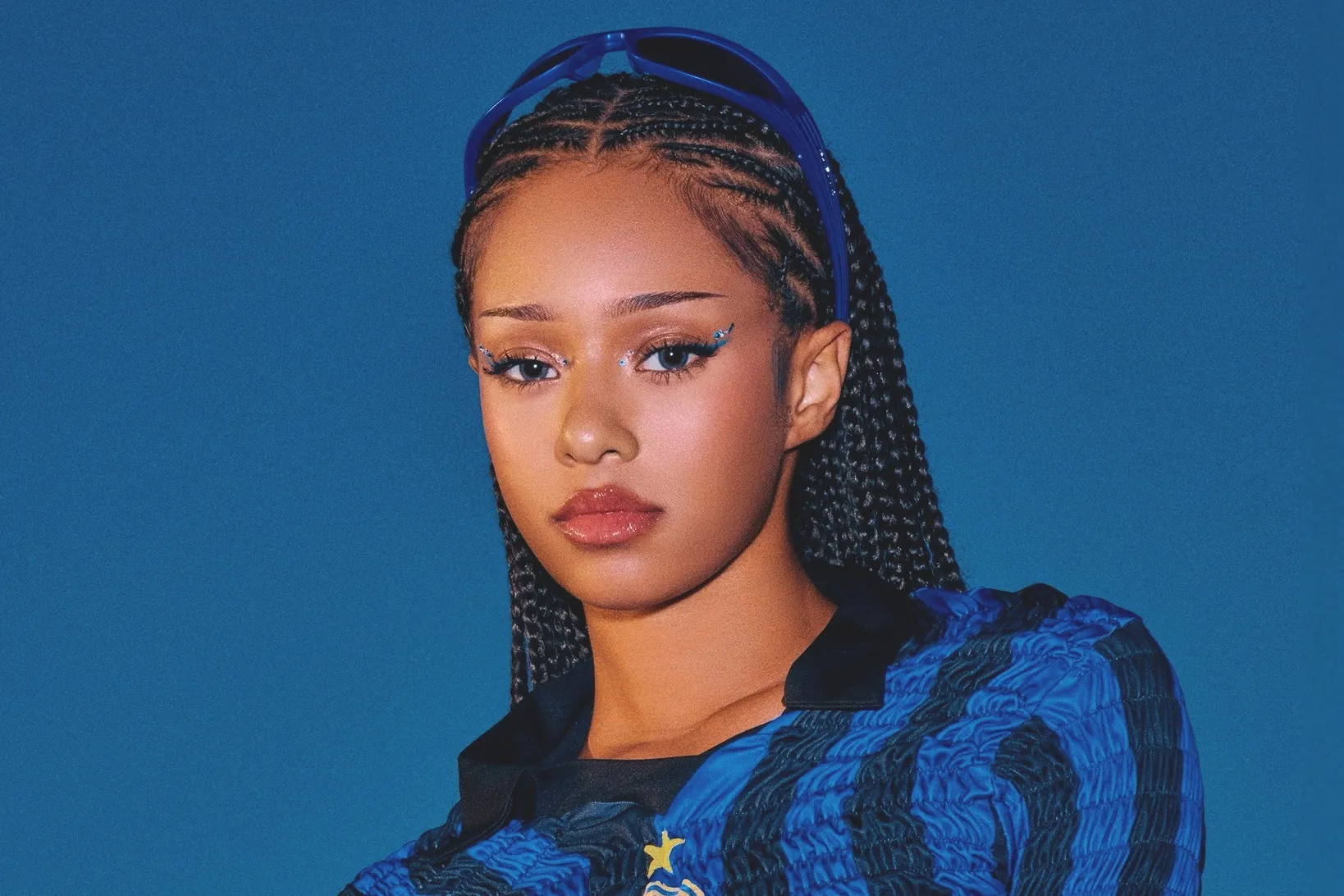
KATSEYE’s Manon To Take Temporary Hiatus From Group Activities

Essential FAQs for Women Traveling Solo
Resleeve AI Fashion Design

CAF confirms Team Media Officers for TotalEnergies CAF Africa Cup of Nations Morocco 2025

Solo Female Travel in Florida: The Ultimate Guide for Women Adventurers

Saturn, Uranus, Neptune & Pluto Retrograde For Five Weeks
Copy.ai Review: Can AI Transform Your Writing Productivity?

What if the real risk of AI isn’t deepfakes — but daily whispers?